Everything a distributor needs, on one platform.
Sales reps, drivers, the office and your store customers work in TranzSales. Orders, stock, invoices and payments move to and from SAP Business One on their own.
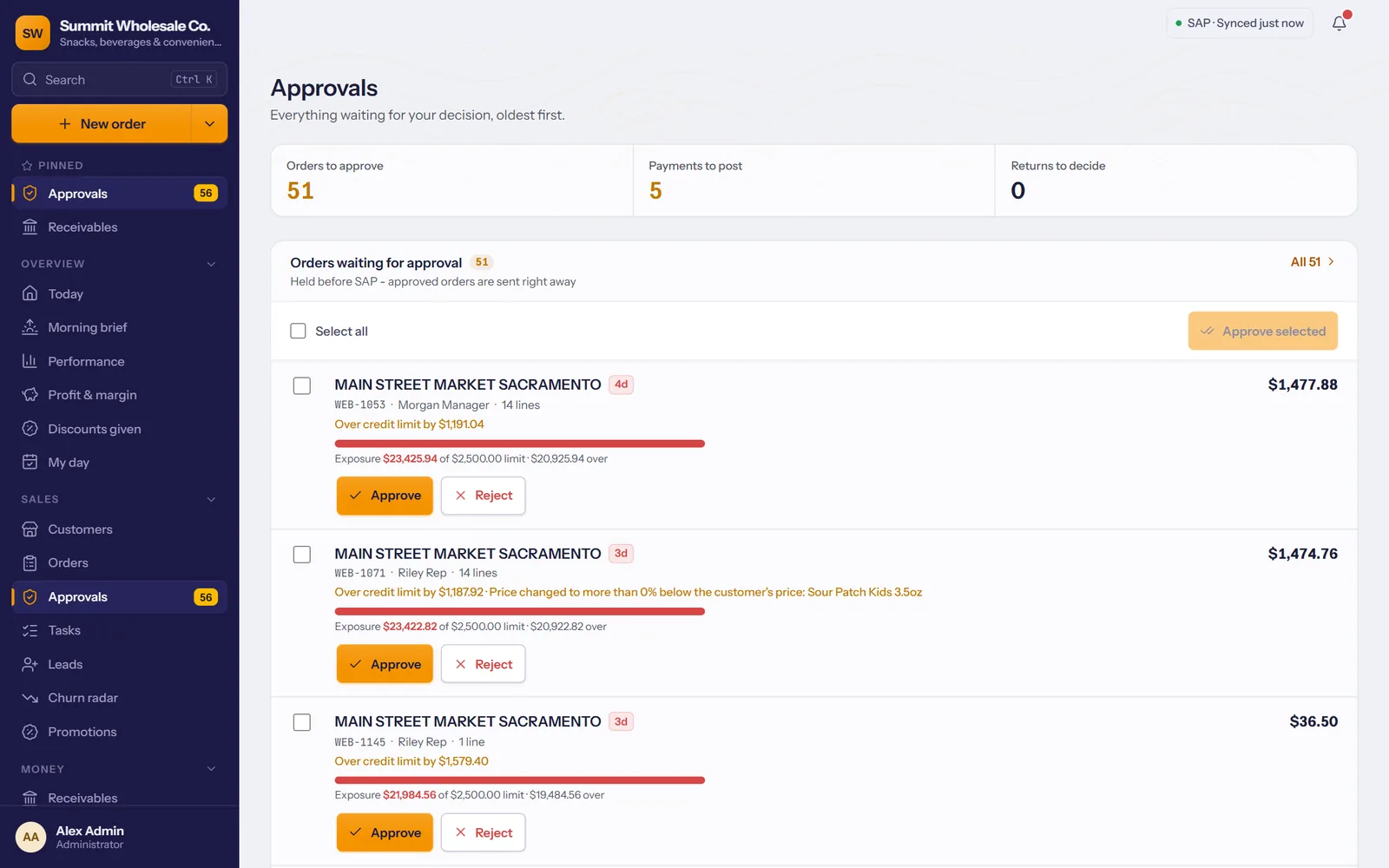
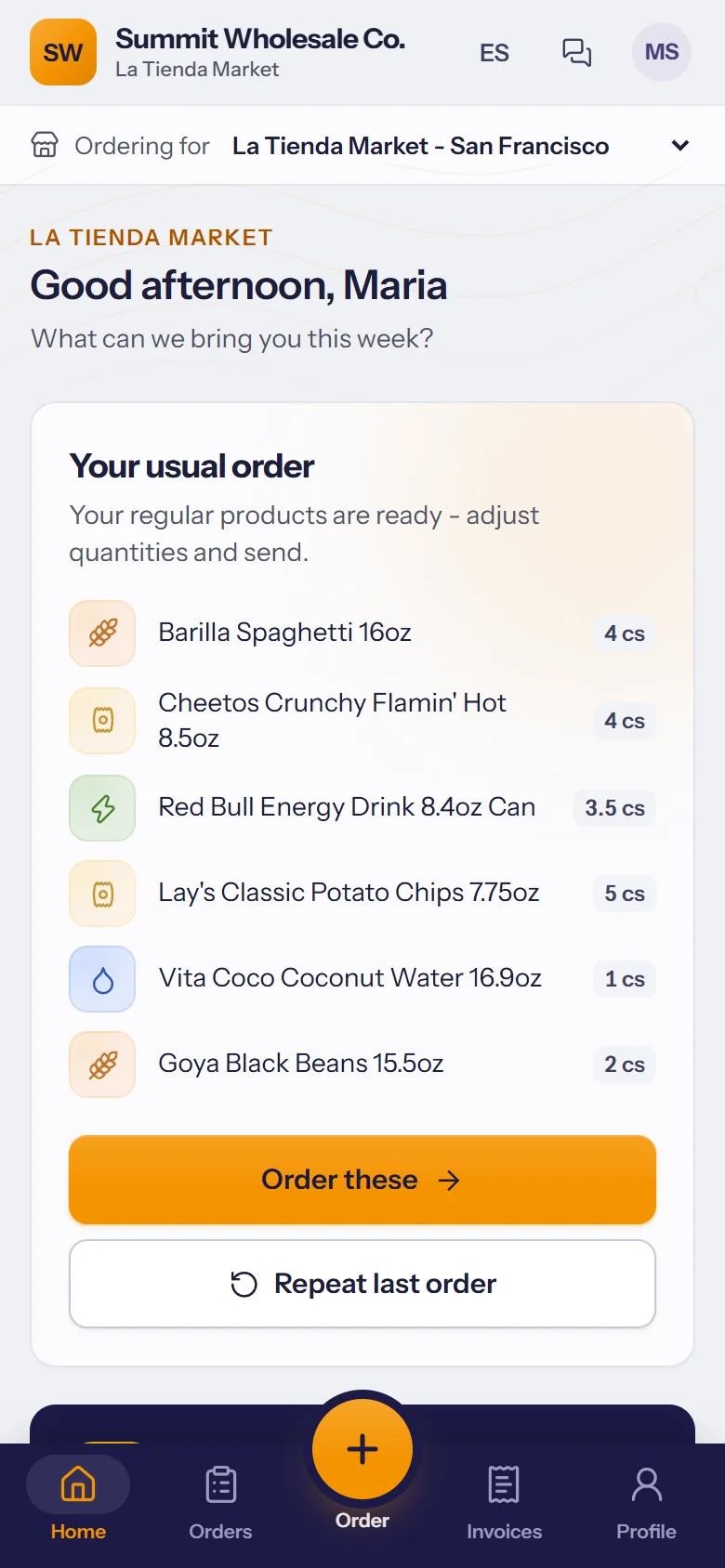
Every store visit, on the rep's phone
Customers in priority order, the day's route, and orders taken from live stock at each store's own prices.
- Customer at a glance: balance, credit left, last order and sales trend before the door opens.
- Fast ordering: usual products, today's deals and barcode scanning.
- Payments and visits: collect a payment, log the visit, finish a store check.
- Works without signal: everything is saved on the phone and sent when it reconnects.
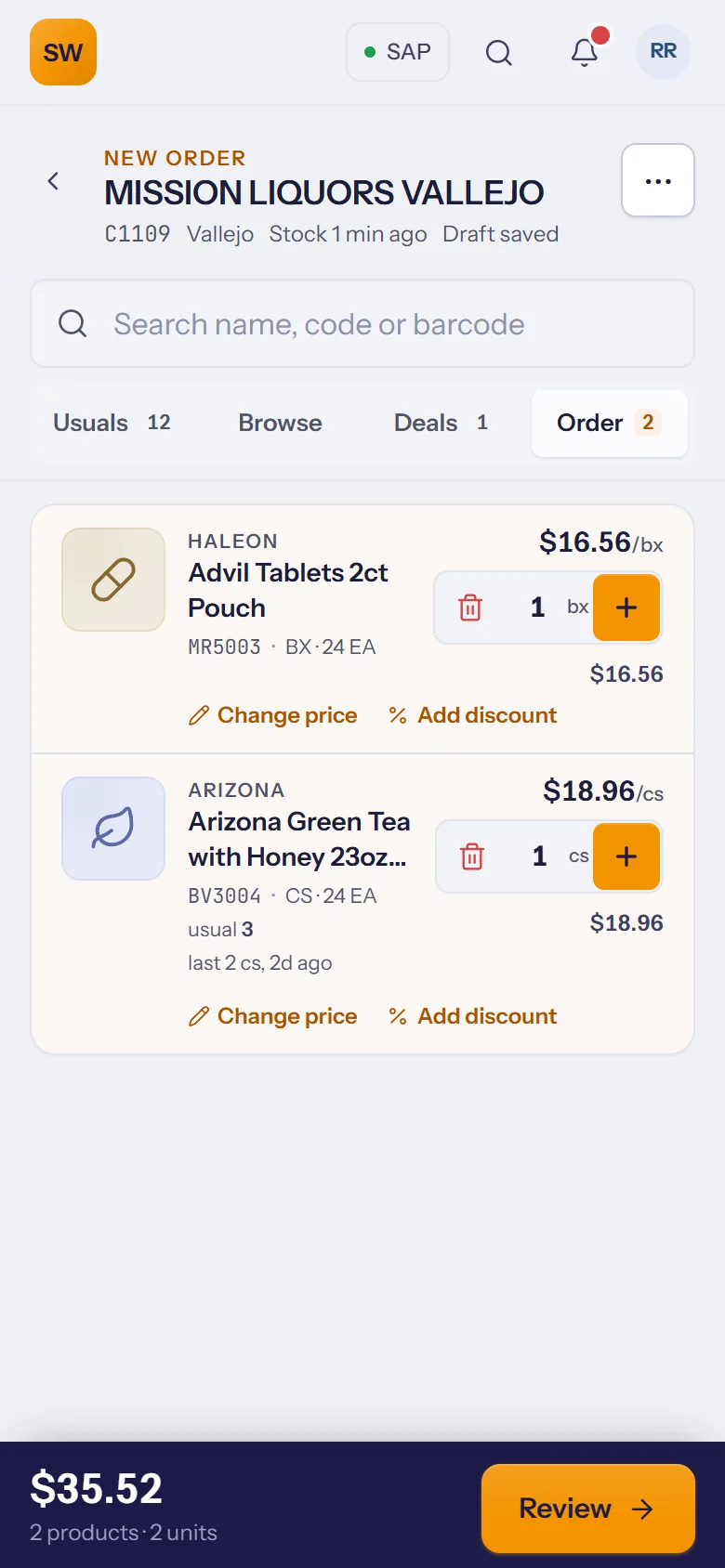
Delivered, signed and paid
From the loading dock to the last stop, with proof of delivery and the cash accounted for.
- Load list: what goes on the truck, checked before it leaves.
- The run in driving order: planned on the dispatch board in the office.
- Proof of delivery: a signature and a photo at the door.
- Payments and cash hand-in: collected at the stop, reconciled at the end of the day.
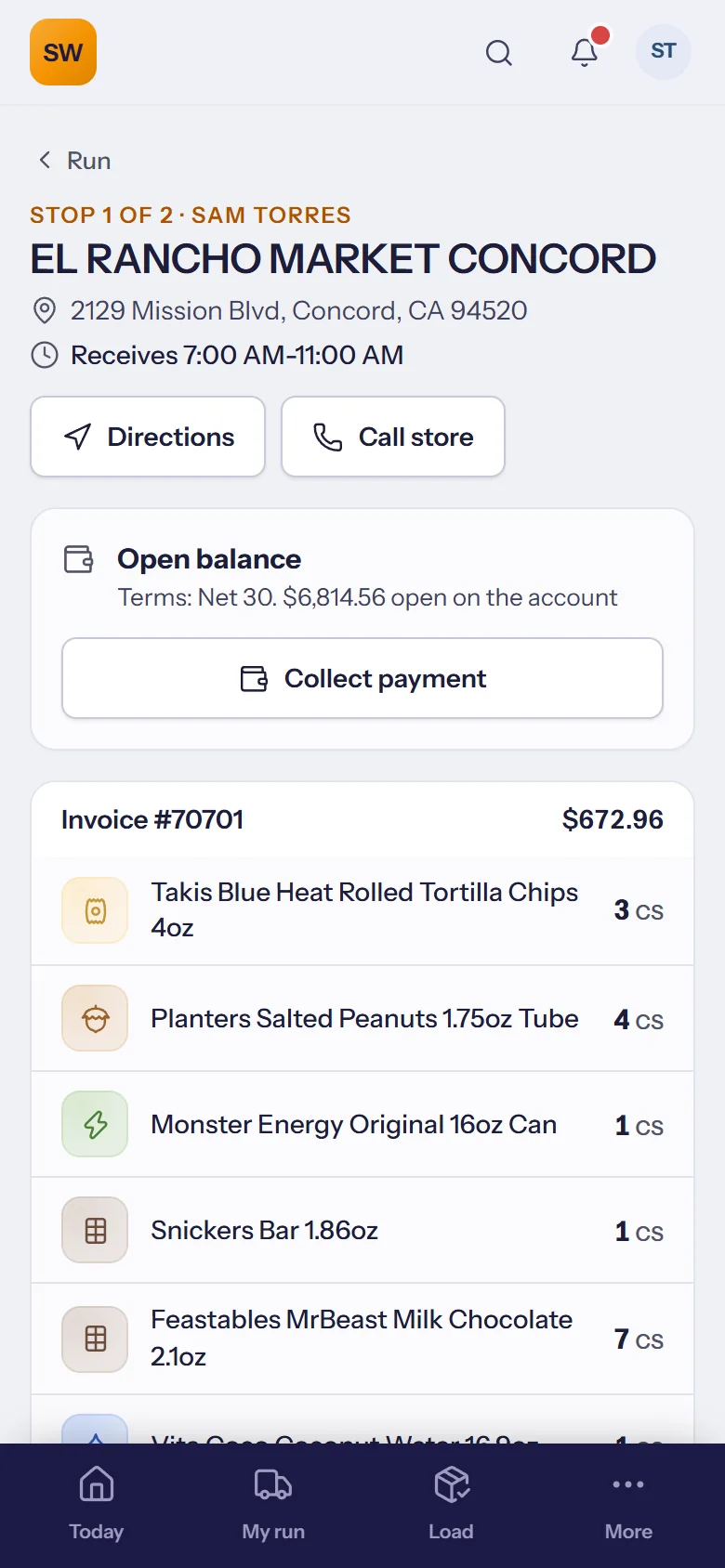
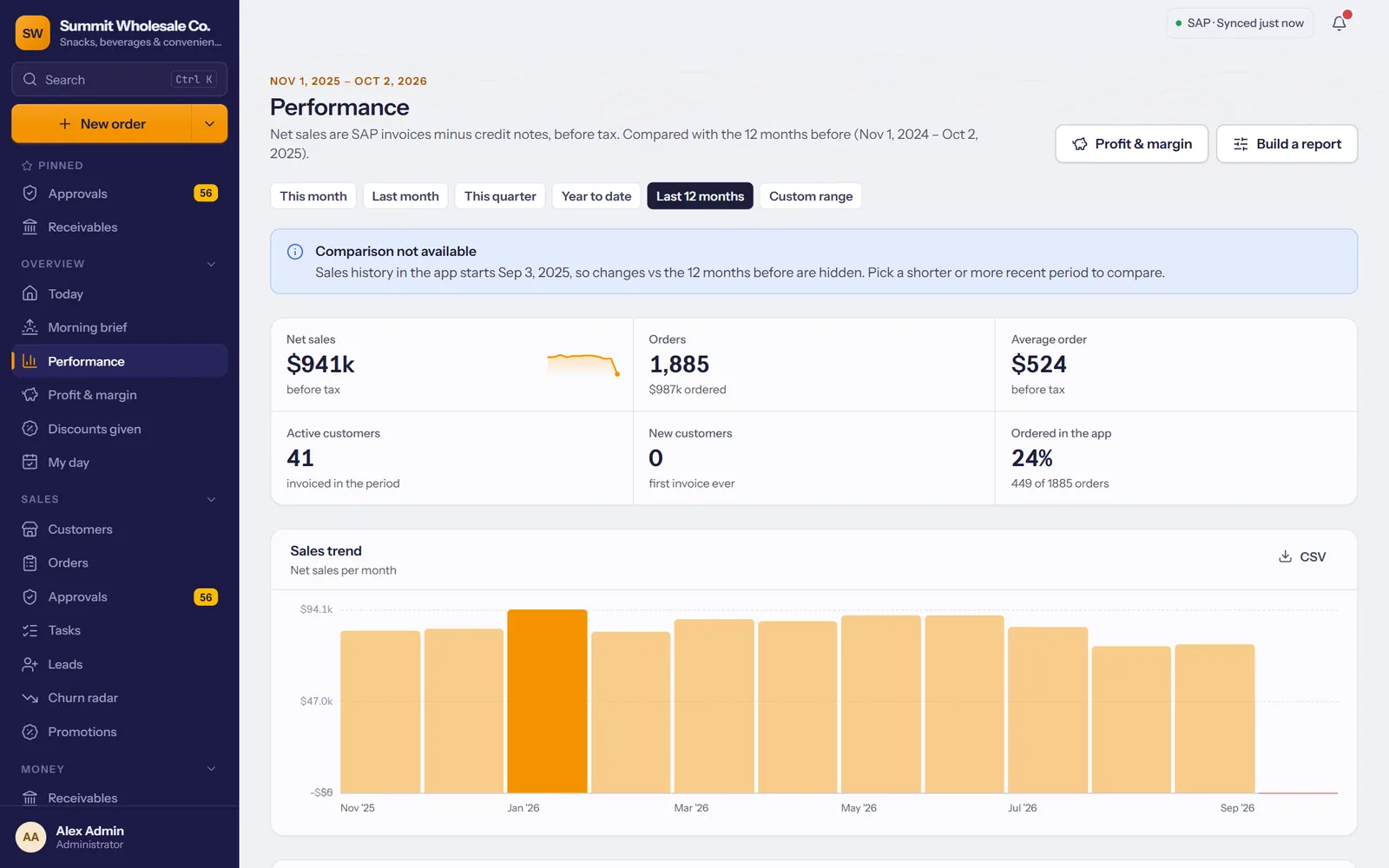
The whole business on one screen
Approvals, receivables, dispatch, goals and reports, as it happens.
- Order approvals: price changes, discounts and credit warnings go to a manager.
- Receivables: open balances, statements by e-mail and polite reminders.
- Reports: sales, profit and margin by rep, customer, product and brand.
- Goals and commissions: monthly targets, daily targets on each phone, each rep's earnings.
Your stores order online, at their own prices
A branded storefront for your customers, on the web and on their phone, around the clock.
- Their prices and deals: special prices, promotions and new arrivals.
- Photo cards and categories: browse your catalog like an online store.
- Standing orders and invoices: reorder in a tap, see what's owed.
- English and Spanish, and portal logins never count as users.
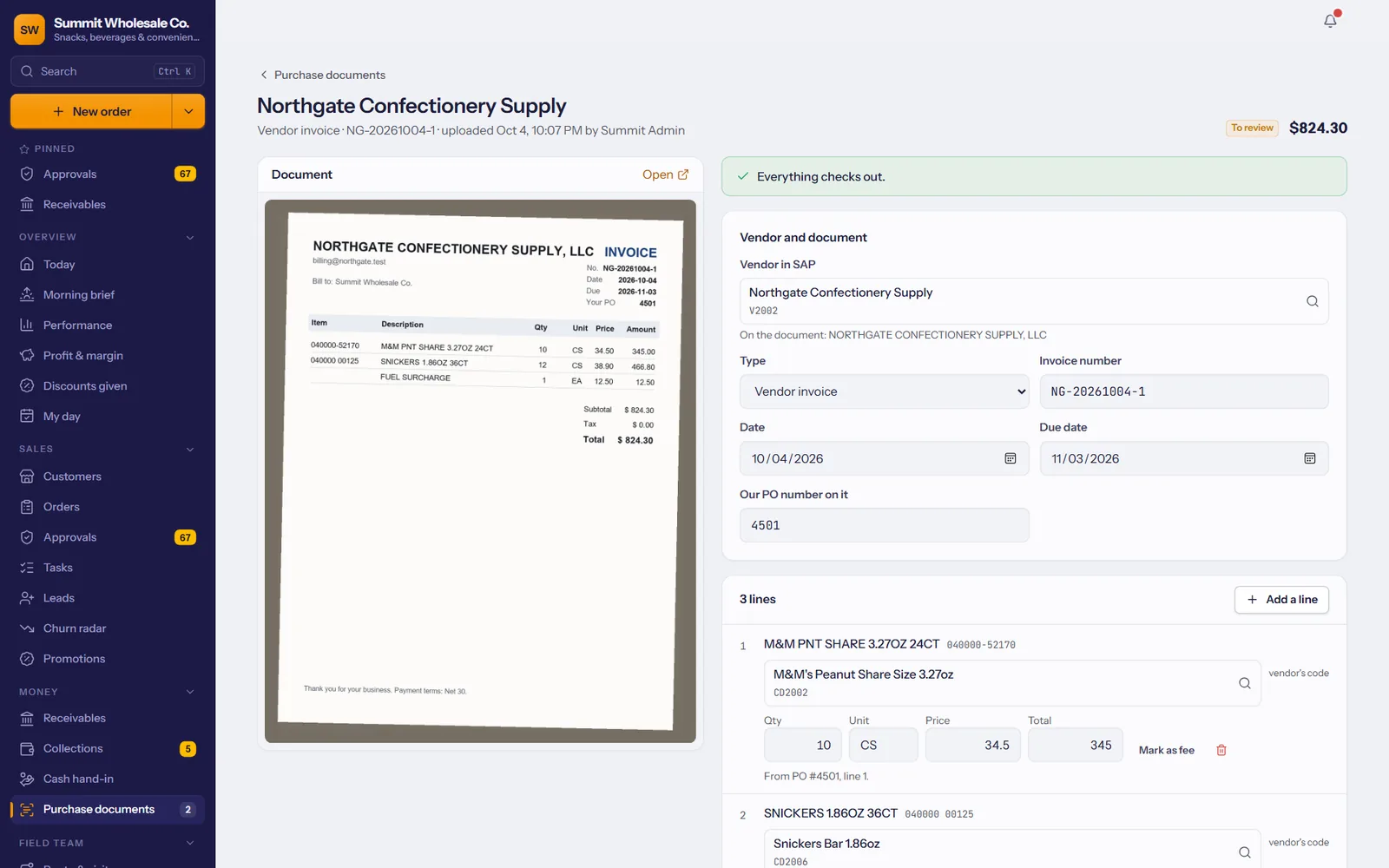
Vendor invoices into SAP, without retyping
Upload a PDF or a phone photo. Every line is read, matched to your SAP items and checked; you approve, and it goes to SAP.
- Reads PDFs and photos of vendor invoices and purchase orders.
- Matches your items and flags anything that doesn't add up.
- Nothing reaches SAP until someone approves it.
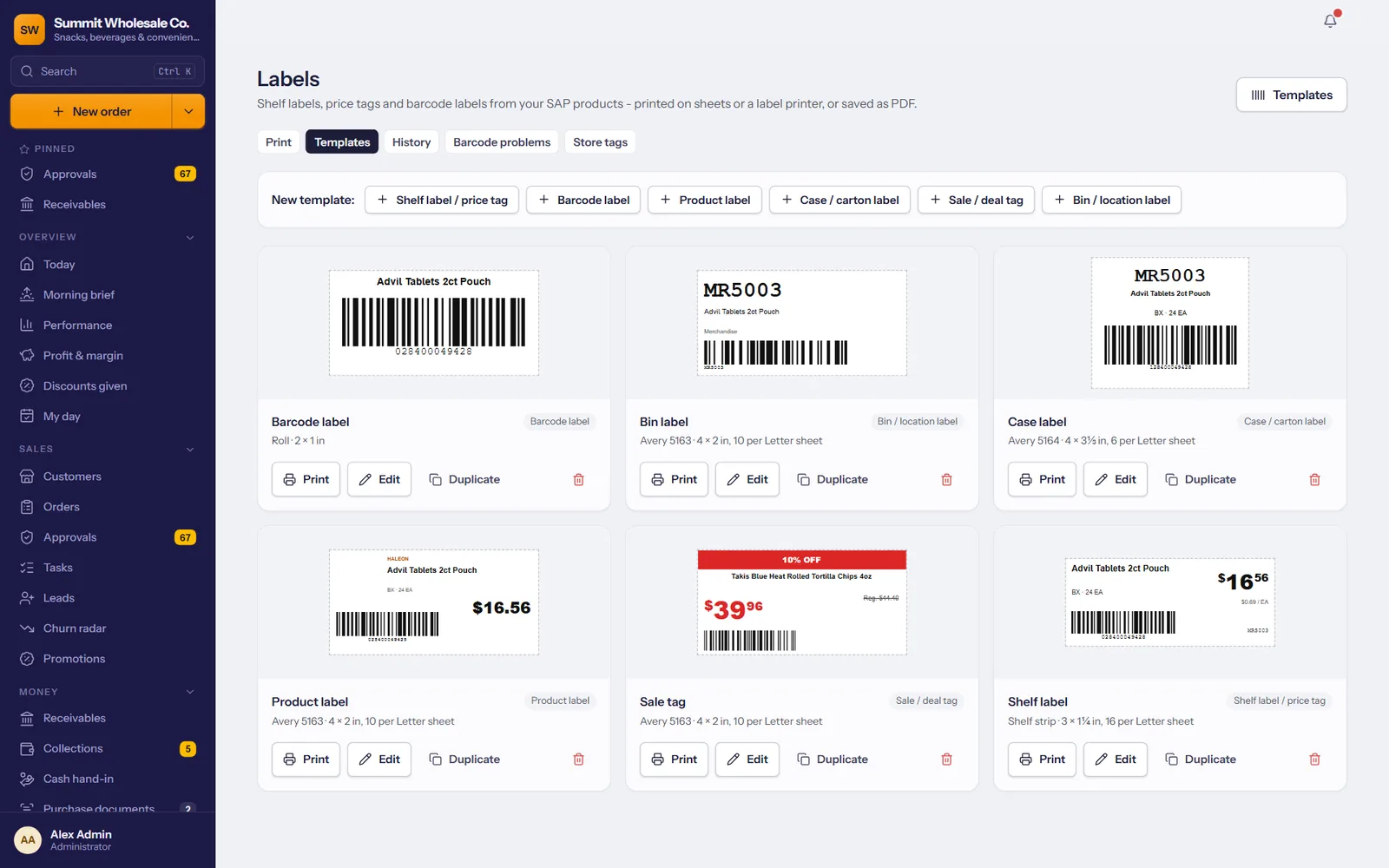
Shelf tags and barcodes, straight from SAP
Price tags, shelf, barcode, case and bin labels with the right price on each.
- Ready-made templates or your own design.
- Label sheets or a label printer, whichever you use.
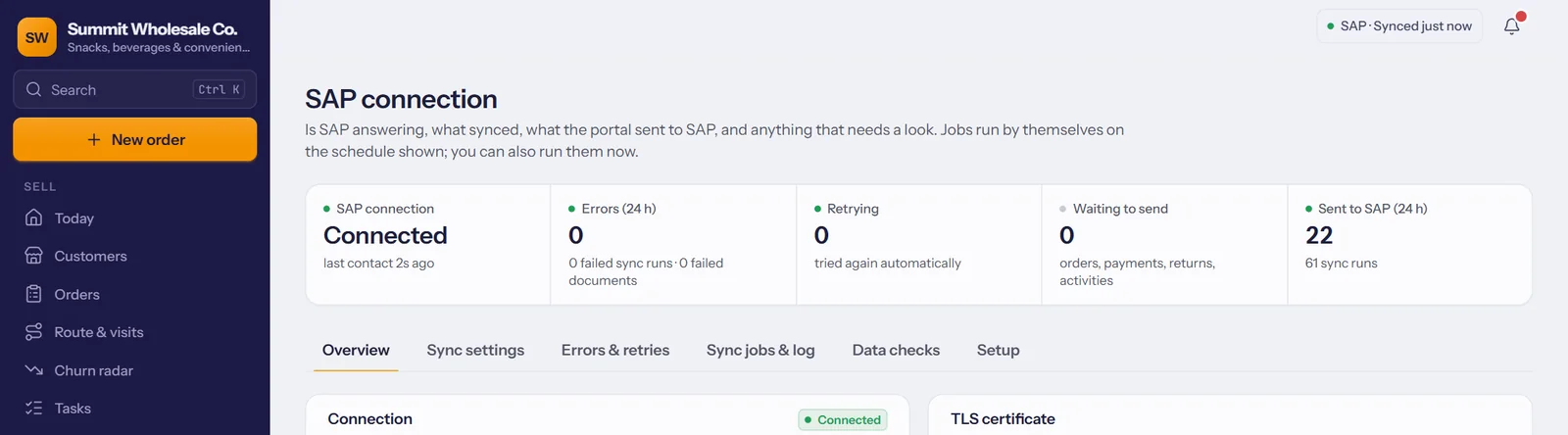
Two-way sync, SAP stays the system of record
TranzSales connects through the SAP Service Layer, on your server or at your hosting partner.
- From SAP: items, prices, stock, customers, invoices, payments and balances.
- Into SAP: sales orders or quotations, payments, returns, activities and vendor documents.
- On a schedule, retrying on its own when SAP is busy.
- A separate database for every company.
Approvals, new orders and delivery updates reach the right phone.
See where reps and trucks are during the workday.
Each person sees what their job needs.
Who approved, changed or posted what, and when.
Your logo and colors on every screen, e-mail and printout.
Receipts, statements, load sheets and catalogs.
Big orders, quiet key accounts and the week's numbers.
Ask in plain words: who stopped ordering, top products this quarter.
See every feature with your own products.
+1 (510) 871-8833 WhatsApp +1 (510) 880-3342 Support@TranzDigital.com