Your stores order on their own, at any hour.
Give every customer their own ordering app with your catalog at their prices. Orders arrive like any other, go through the same approvals and land in SAP.
Their catalog, their prices
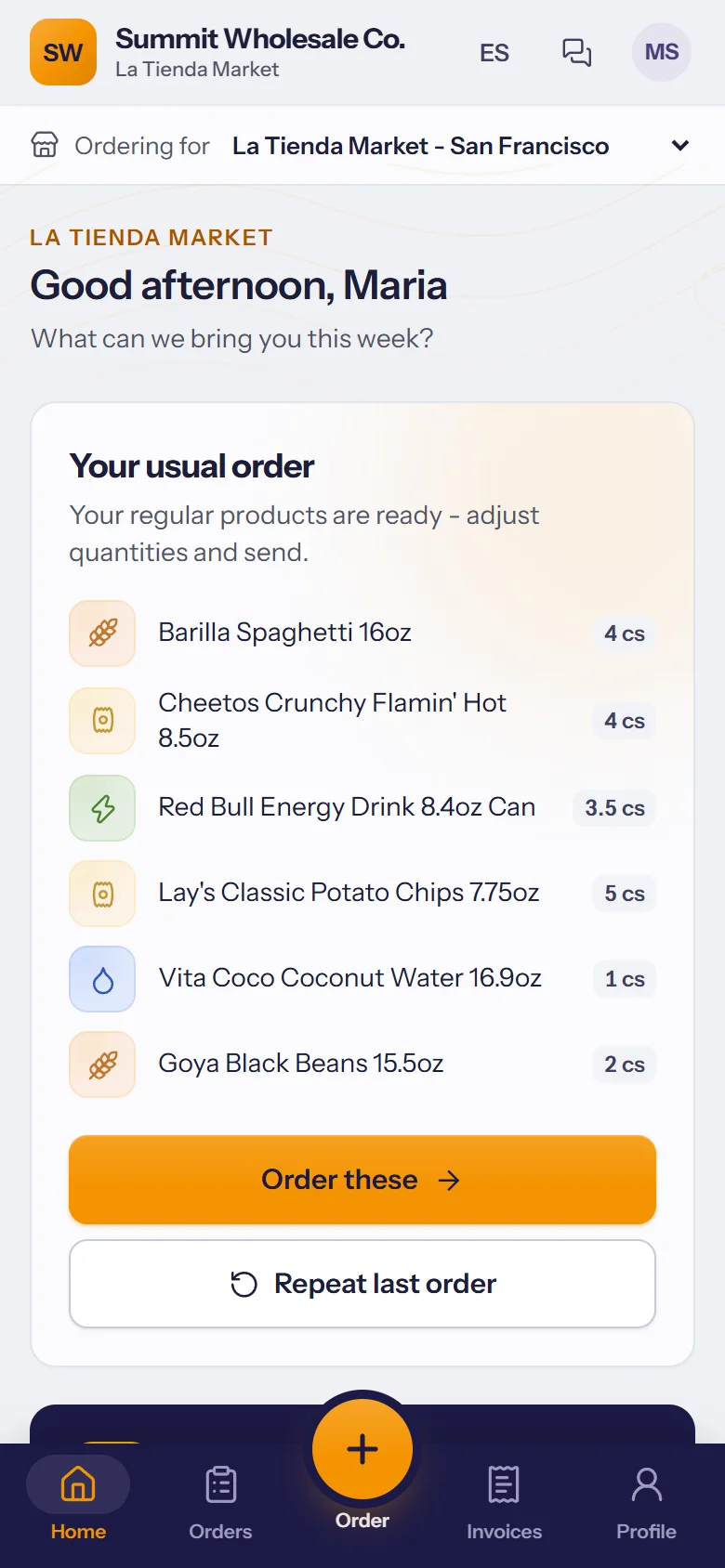
Each store sees your products with its own price list and special prices, and its usual order ready to adjust.
- Their usual products ready to adjust, or repeat the last order in one tap.
- One login for several stores, with a switch for which one they're ordering for.
- English or Spanish, chosen by the store.
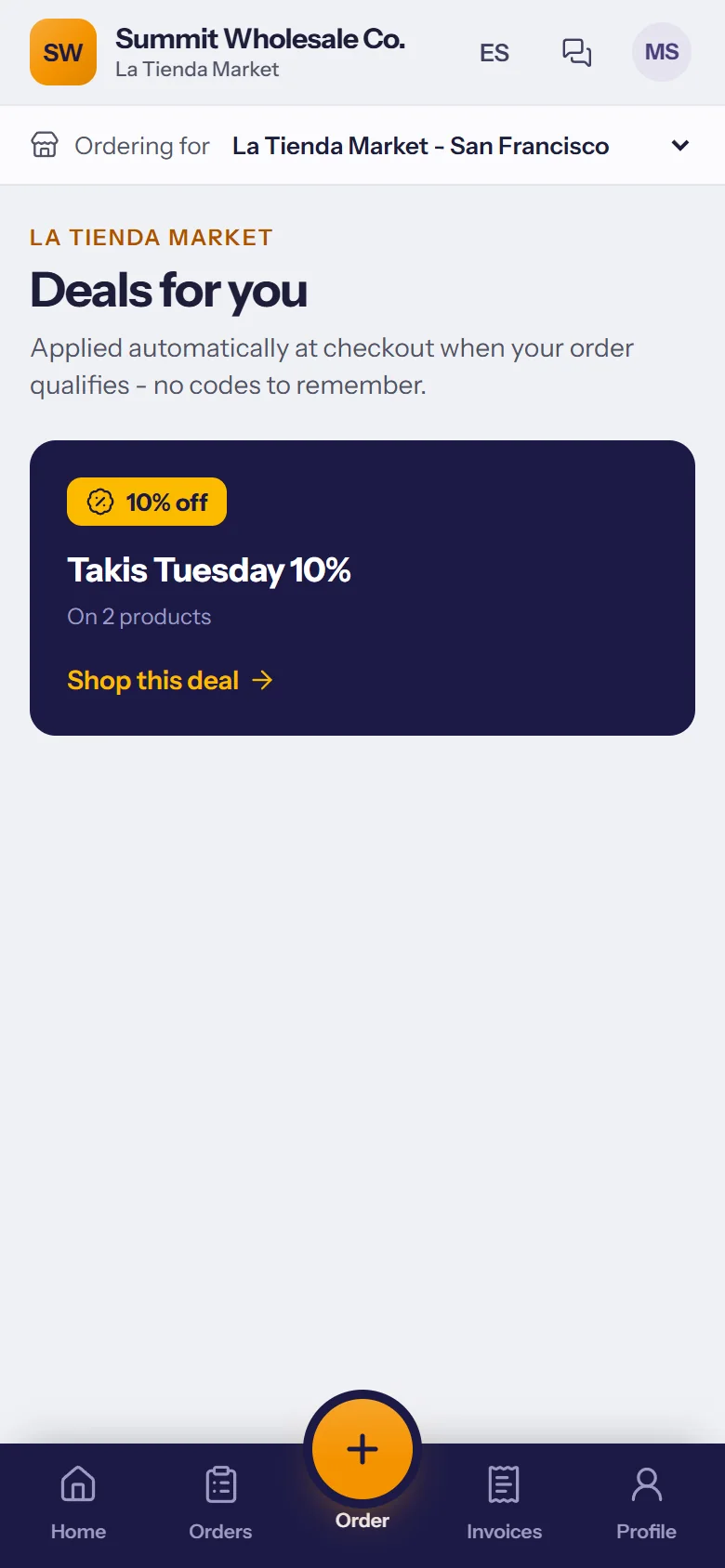
Promotions they can't miss
Your current deals, shown where they order and applied automatically at checkout. No codes to remember.
- Applied at checkout when the order qualifies.
- Start and end dates set by you.
- The same deals your reps see on the road.
The weekly order, ready when they are
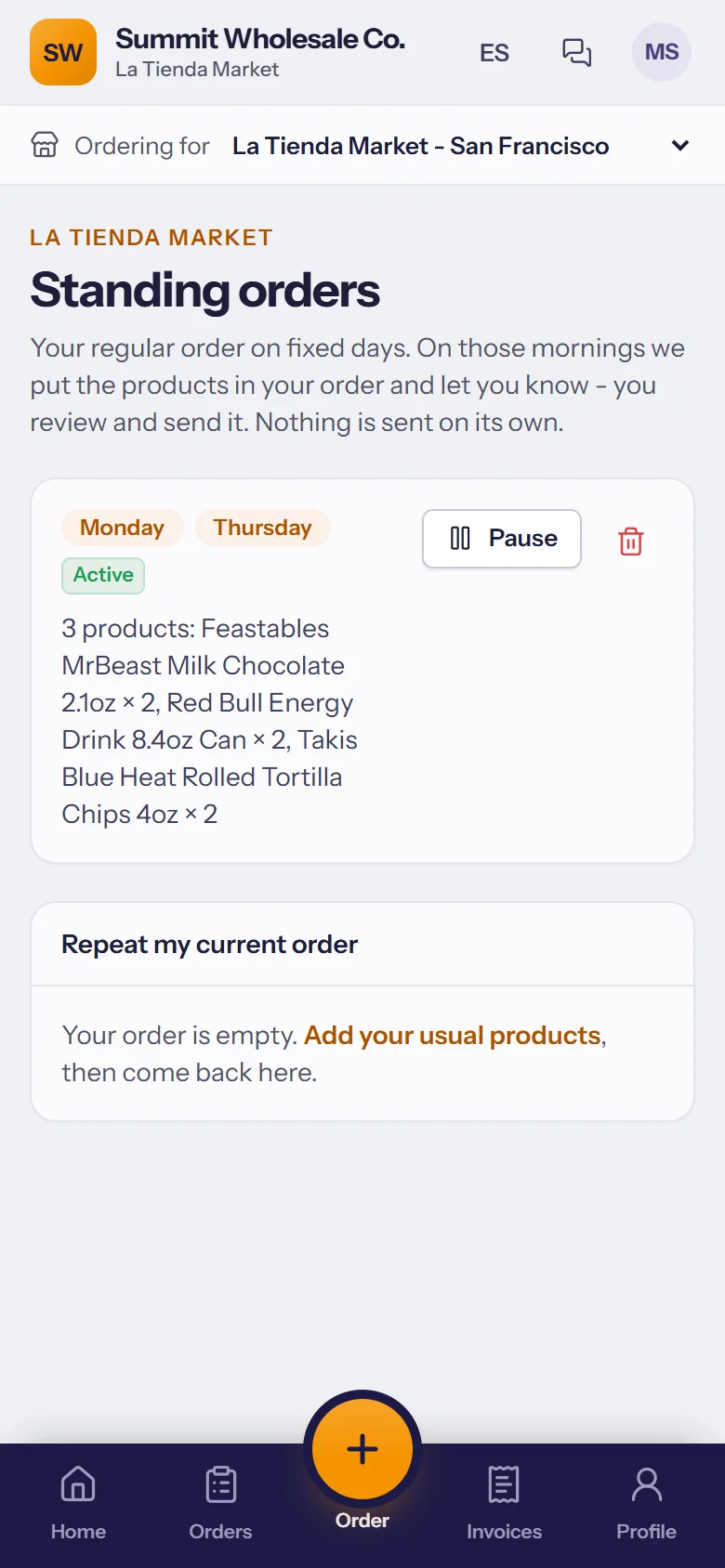
Stores save their usual order for the days they want it. On those mornings it's put in their cart with a reminder; they check it and send it.
- Ready on the mornings they choose, with a reminder.
- They review and send it; nothing goes out on its own.
- Goes through your approvals like every other order.
Fewer calls to the office
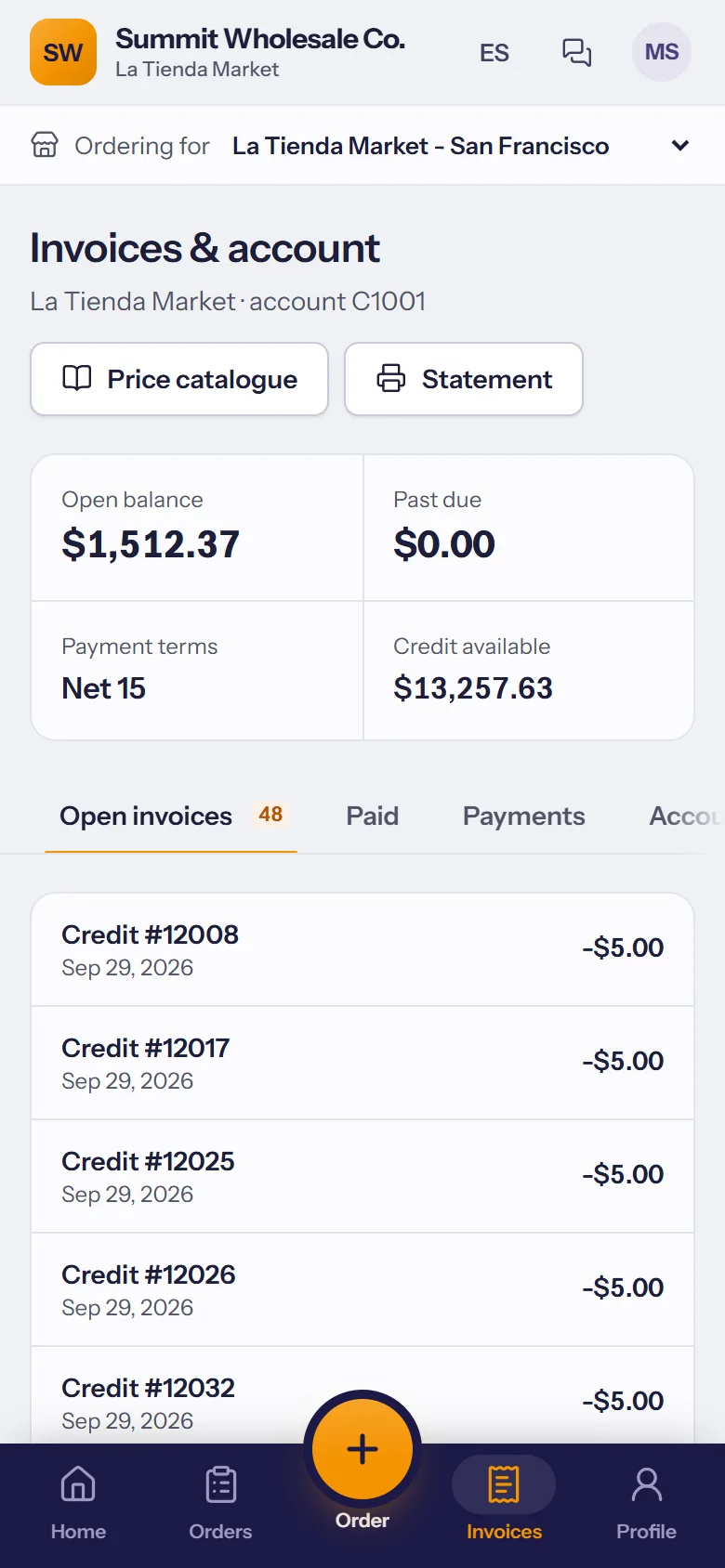
Open invoices, the balance and every order's status, without picking up the phone. And when they do need you, there's a message box.
- Invoices and open balance, straight from SAP.
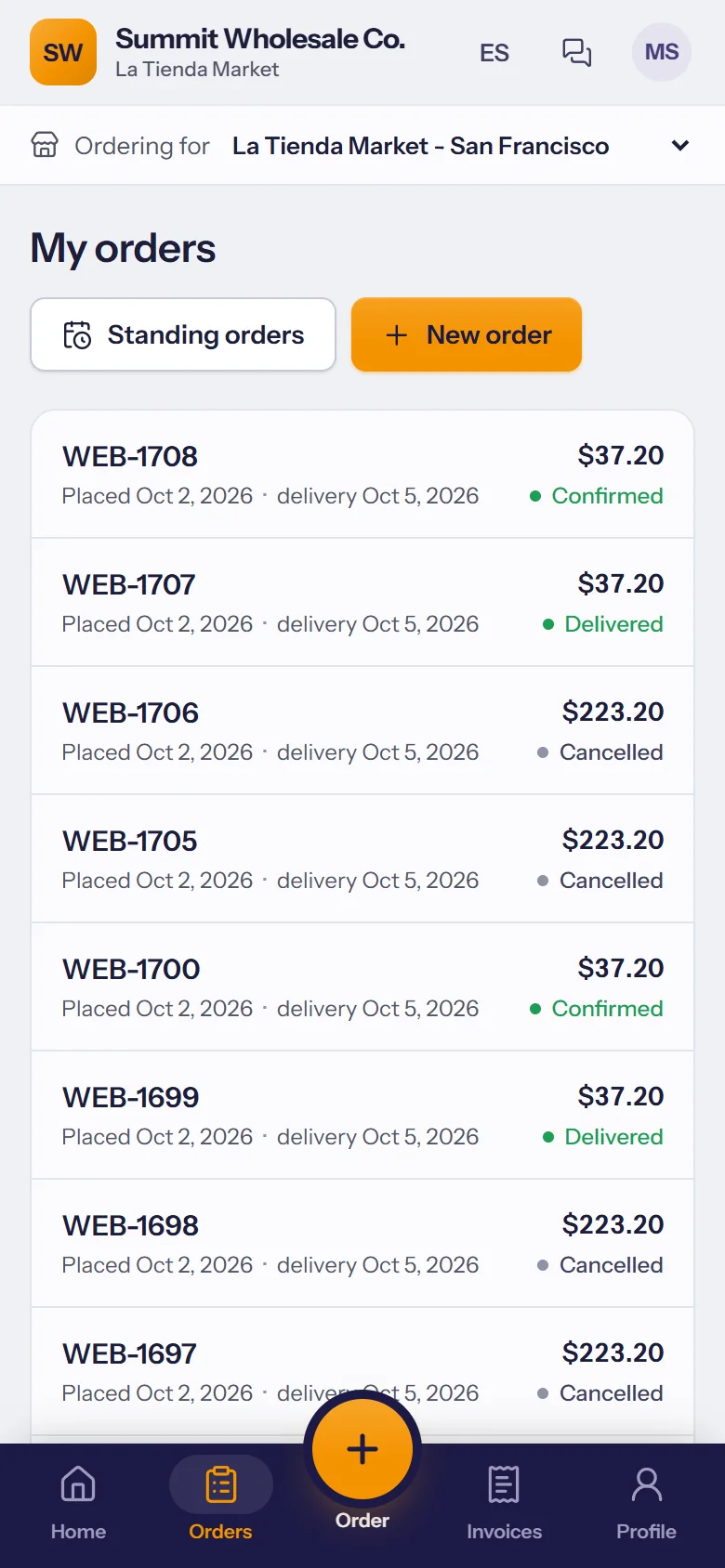
- Every order and its status.
- Messages to your office, answered from TranzSales.
Their shelf tags, at their prices
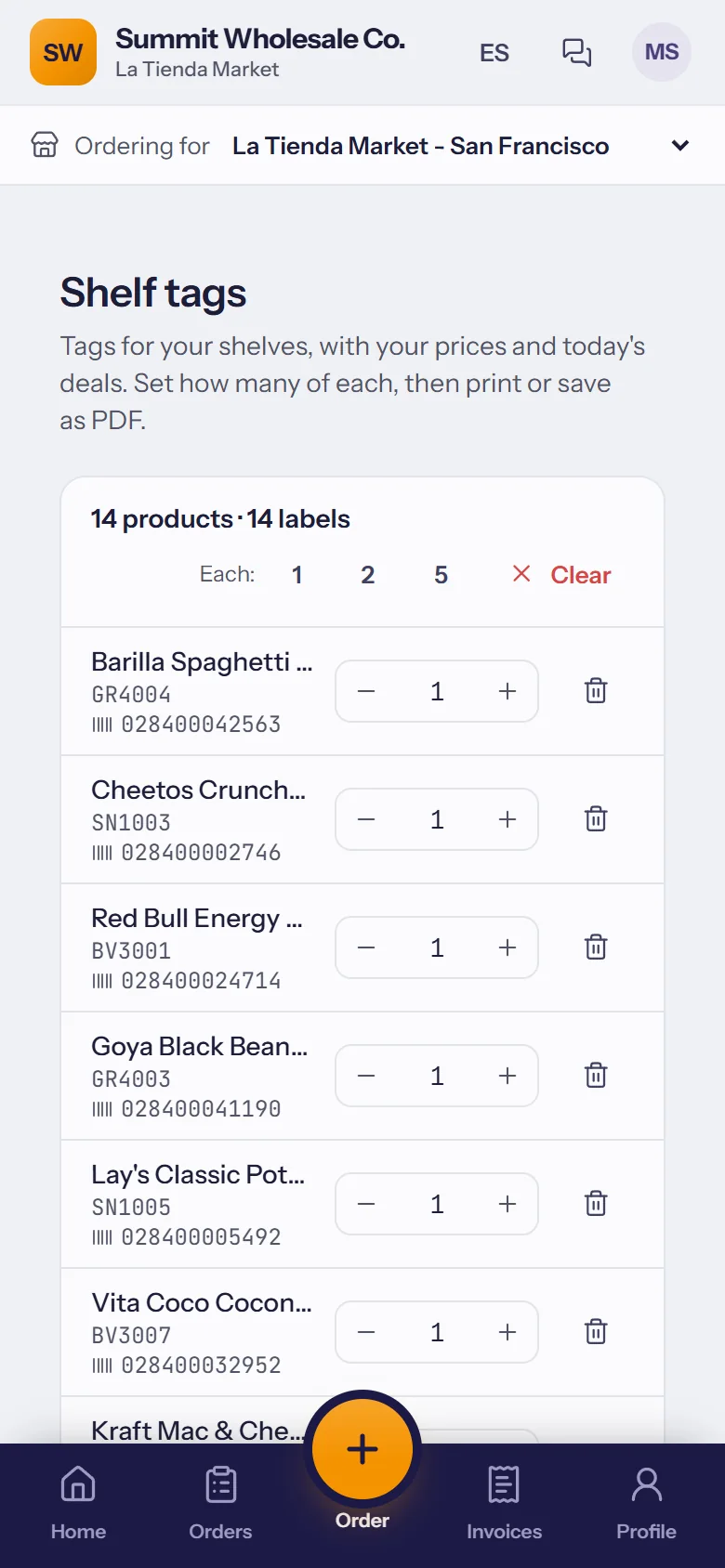
Stores print their own shelf tags for the products they buy, with their prices and today's deals, on your label design.
- The products they buy, already listed: set how many of each.
- Their prices and deals, never another store's.
- Print or save as PDF, in English or Spanish. You decide if stores can use it.
Your store customers don't count as users.
New stores can apply for an account, with their documents.
Invite stores one by one or many at once; you review every e-mail before it's sent.
One page shows which stores order online and which haven't signed in yet.
The store prints or saves its own statement whenever it needs one.
Order updates on the store's phone.